Scrolling Mode
The third mode, after niri. Each workspace is a strip of columns that scrolls sideways: two half-width columns fill the screen, and the view moves just enough to keep the focused column in sight, sliding there so you can see where you went. A new window opens as a column to the right of the focused one, so opening a window never squeezes the others.
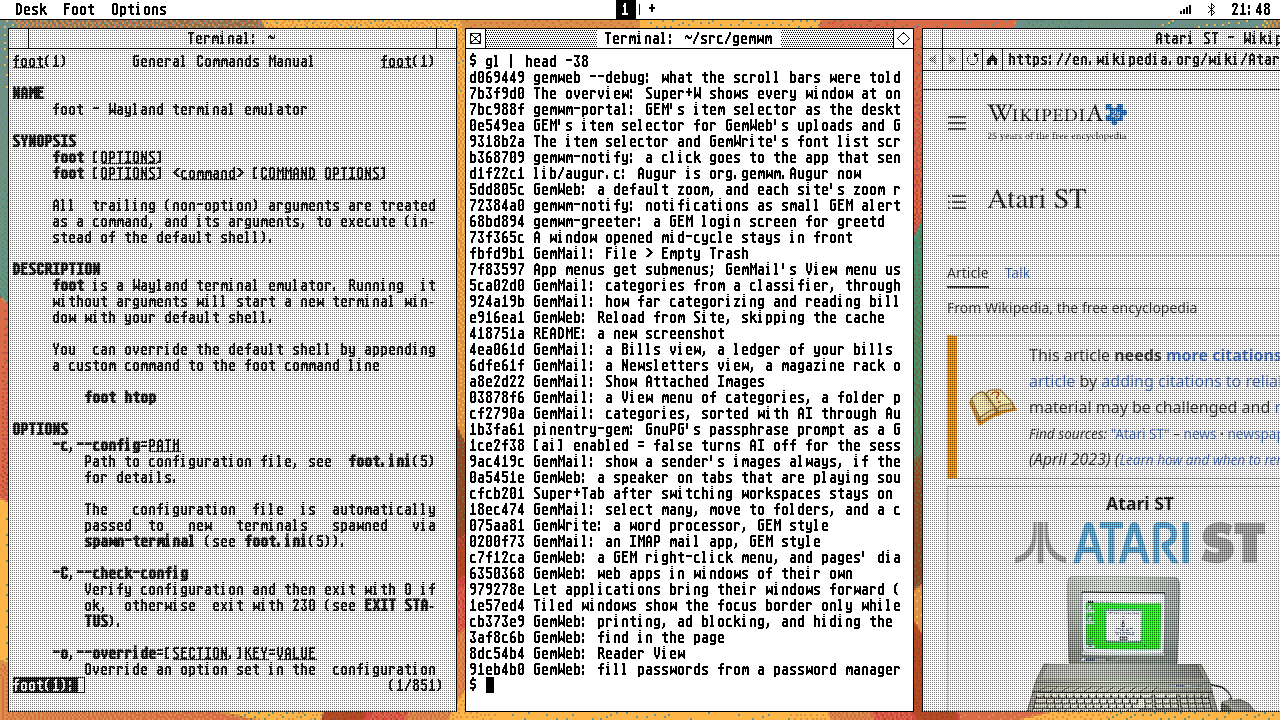
Switch to it in Options > Mode, or with gemwm msg mode scrolling.
Keys
| Keys | Does |
|---|---|
| Super+Left/Right, Super+wheel | move between columns |
| Super+Up/Down | move between the windows stacked in a column |
| Super+[ / Super+] | consume or expel |
| Super+Ctrl+Left/Right | move the focused column |
| Super+Ctrl+Up/Down | move the window within its column |
| Super+R | the column’s width: a third, a half, two thirds |
| Super+Z | full width, and back |
Consume or expel: a window alone in its column joins the neighbouring column as a new row; a window sharing a column leaves it for a column of its own. Columns hold rows, nothing deeper.
Layout
[layout]
mode = scrolling          # the mode GemWM starts in
gap = 8                   # pixels between columns
column-width = 0.5        # new columns' share of the screen
The strip slides as you move; see animation.